

Microsoft Defender: Security
Our expert review of Microsoft Defender: Security. Learn how this cross-platform application protects your personal data, identity, and family devices.
An All-in-One Defense System for Your Digital Life
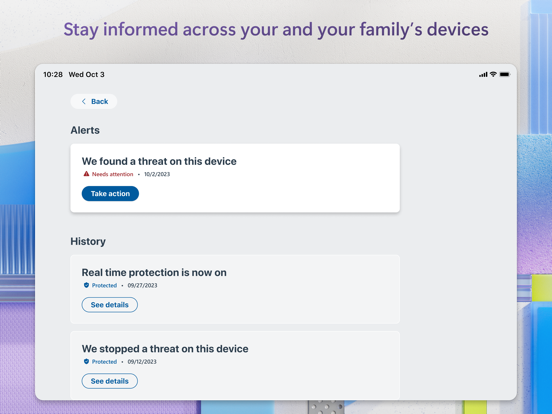
In an era where digital threats evolve daily, having a unified safeguard for your personal data and devices is essential. Microsoft Defender: Security offers iOS users a robust, cloud-powered security hub designed to shield both personal and professional environments from malicious activity. Developed by Microsoft Corporation, this application acts as a proactive monitor, helping you stay ahead of digital threats through a centralized, easy-to-navigate dashboard.
Key Capabilities: What Can You Do with Microsoft Defender: Security?
This application goes beyond basic threat detection, offering a suite of proactive tools designed to secure multiple facets of your digital footprint:
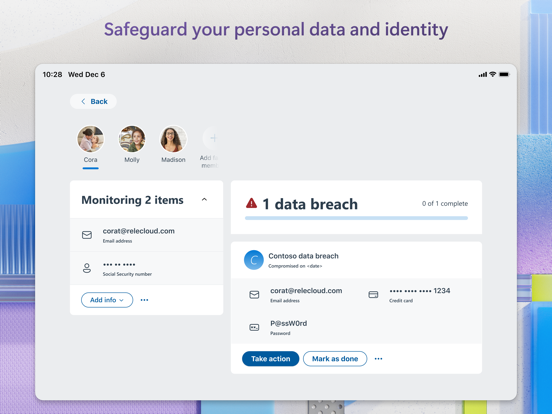
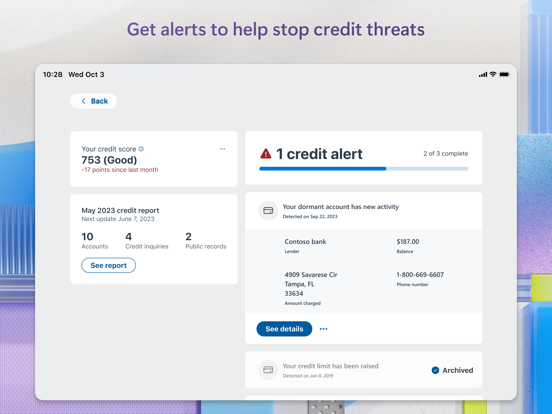
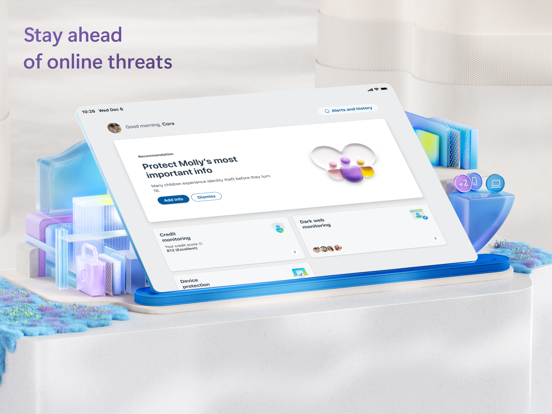
- Continuous Identity and Dark Web Scanning: For users in the United States, the app actively monitors the dark web for your personal identifying information, alerting you immediately if your credentials have been compromised.
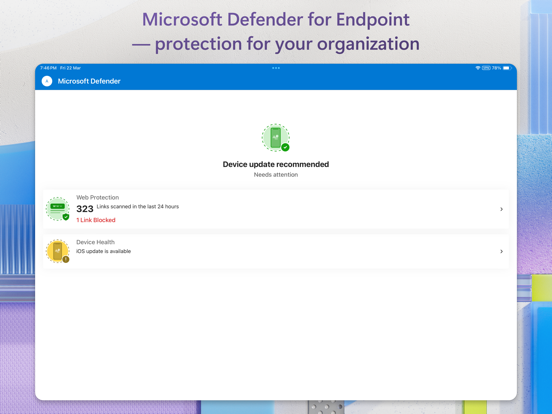
- Real-Time Link and Web Protection: Avoid malicious traps before they spring. The app scans links in real time to prevent phishing attempts and stop you from visiting harmful websites.
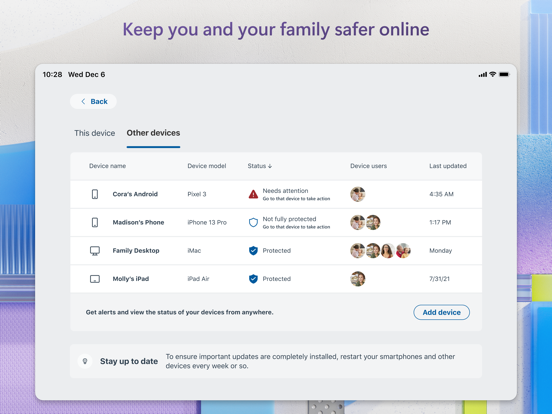
- Comprehensive Family Security Management: Keep track of your household's security status. The unified dashboard allows you to view security alerts and receive recommendations across your family's connected devices.
- Credit Monitoring and Identity Restoration: US-based subscribers gain access to Experian® credit monitoring, monthly credit reports, and up to $1 million in identity theft insurance to cover legal fees and lost funds.
Who Is This Security Application For?
Microsoft Defender: Security is highly beneficial for individuals and families who already utilize a Microsoft 365 Personal or Family subscription, as the personal security features are offered exclusively with these plans. Additionally, it serves as a vital endpoint for corporate users whose organizations employ Microsoft Defender for Endpoint, allowing seamless integration of work-related security policies on mobile devices.
Pros and Considerations
- Pros: Excellent cross-device visibility, reliable anti-phishing protection, and high-value identity restoration services for US subscribers.
- Considerations: Advanced identity and credit monitoring features are currently limited to the United States, and a valid Microsoft 365 or enterprise license is required to unlock full functionality.
Review Verdict: A Trustworthy Shield
If you are looking to centralize your family's digital safety or need to align your mobile device with corporate security standards, this app delivers institutional-grade protection in a user-friendly format. To explore its features further or to add it to your device, head over to the official App Store page to get started.