

Emote
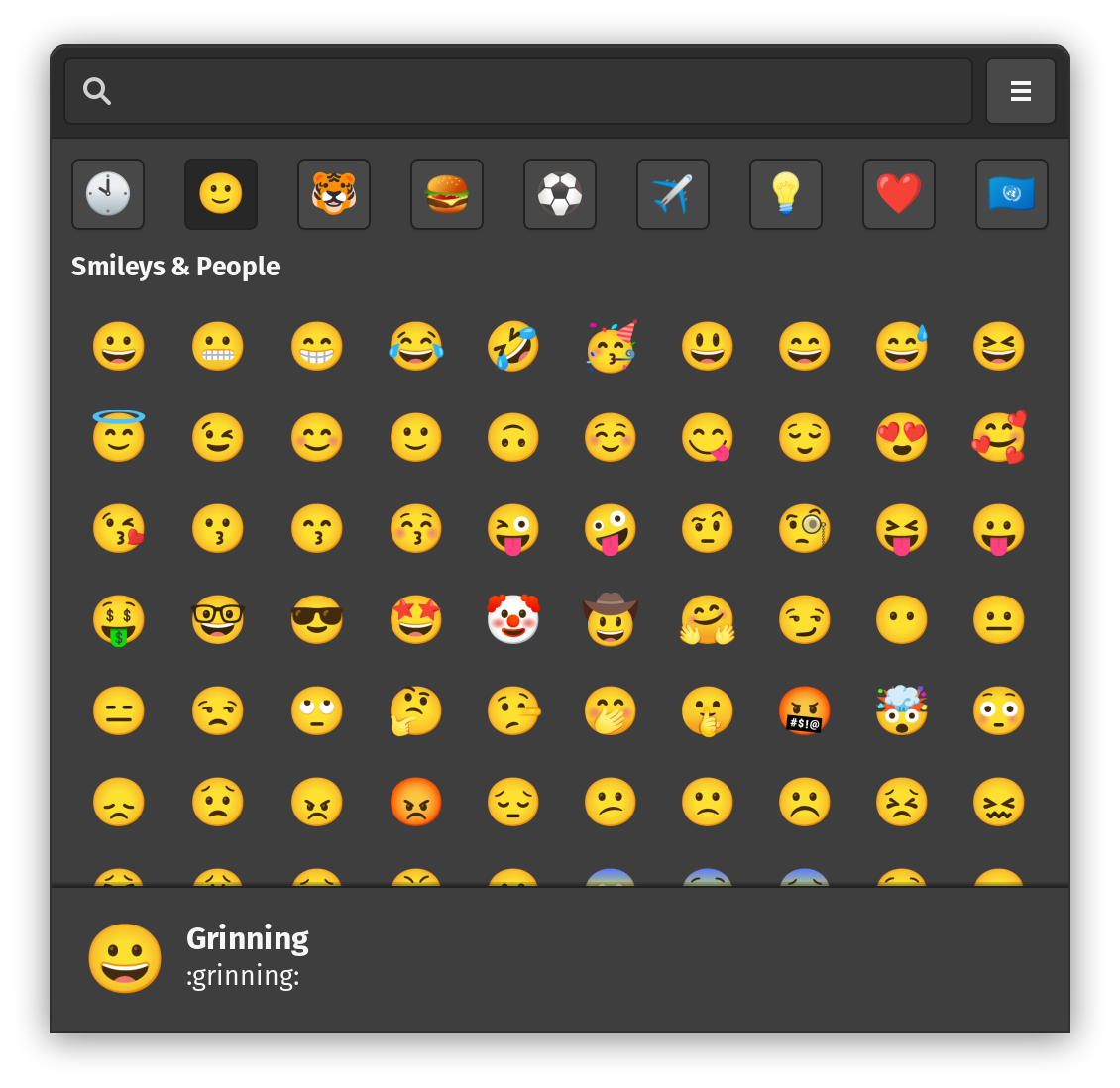
Read our full review of Emote, the lightweight Linux emoji picker. Discover how this GTK3 utility simplifies inserting emojis on your desktop.
Finding the perfect emoji on Linux has historically been more difficult than it needs to be, often requiring manual copying and pasting from web browsers or text documents. The Emote Linux emoji picker solves this everyday frustration by providing a lightweight, system-wide popup that lets you search and insert emojis instantly.
How the Emote Linux Emoji Picker Enhances Your Workflow
Developed by Tom Watson, Emote is a specialized GTK3 utility designed to stay completely out of your way until you need it. Unlike heavy standalone applications, it functions as a quick-invocation popup. With a simple keyboard shortcut, you can bring up the interface, select your desired emoji, and watch it paste directly into your active application.
Key Features of Emote
- Instant Popup Access: Built to appear and disappear on demand, ensuring it does not clutter your desktop workspace.
- Extensive Emoji Library: Utilizes an up-to-date catalog sourced directly from openmoji.org.
- Smart Memory: Automatically displays your most recently used emojis by default to save you search time.
- Keyboard-First Navigation: The search bar is focused immediately upon launch, allowing you to search and navigate entirely with your keyboard.
- Automatic Pasting (X11): On X11 window managers, selecting an emoji instantly pastes it into your active input field.
Important Platform Considerations
While the Emote Linux emoji picker is highly efficient, its behavior varies slightly depending on your display server. On X11, the app offers seamless automatic integration. Under Wayland, security restrictions prevent automatic pasting and require you to manually register a global keyboard shortcut to launch the utility. For the fastest response times on all setups, utilizing the default built-in shortcut (Ctrl+Alt+E) is highly recommended.
Is Emote Right for You?
If you communicate frequently in chat apps, forums, or write content on a Linux desktop, this tool is an invaluable addition to your system. It is incredibly lightweight, respects system resources, and provides a modern aesthetic that blends well with GTK-based desktop environments.
To try this utility out on your own system, head over to the official Flathub store page to view installation options and documentation.