
AI Video Generator +
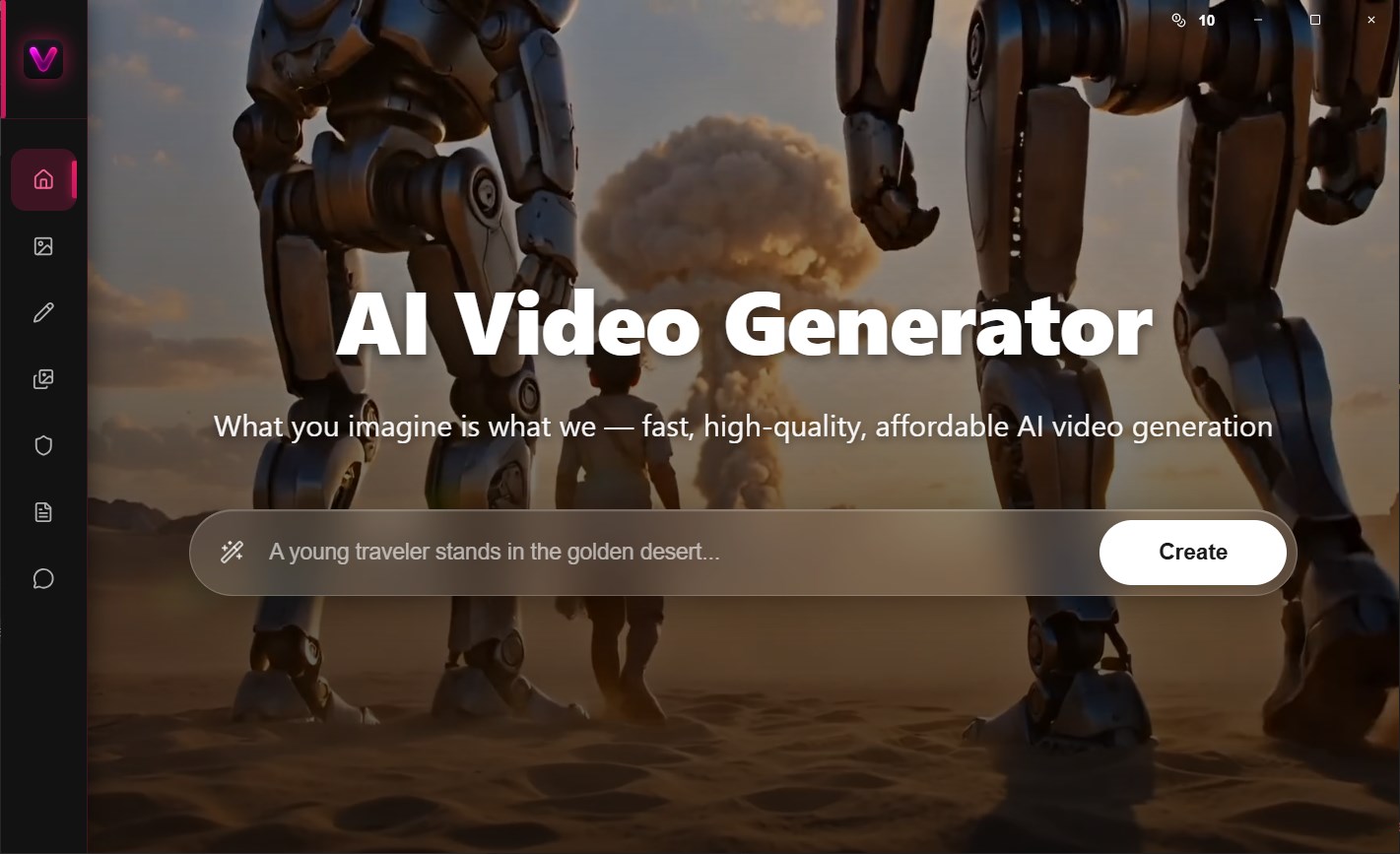
Discover how the AI Video Generator + app for Windows turns text prompts and static images into cinematic, high-quality videos in seconds.
Creating high-quality marketing videos, social media clips, or cinematic sequences used to require expensive editing suites, complex timelines, and hours of rendering. For many creators and small businesses, this barrier to entry is simply too high. The AI Video Generator + video creation tool solves this bottleneck by putting advanced generative artificial intelligence directly into your Windows workflow, allowing you to turn simple text descriptions or static images into dynamic, moving footage in seconds.
What is AI Video Generator +?
Developed by Rain Service, this Windows utility functions as an intuitive gateway to cutting-edge AI video generation. Instead of navigating complicated command-line interfaces or expensive cloud subscriptions, users can input their creative concepts directly into a clean, native desktop environment. Classified under IT tools, the AI Video Generator + video creation tool is designed to streamline the pre-production and content generation phases for storytellers, digital marketers, and casual experimenters alike.
Key Features of the App
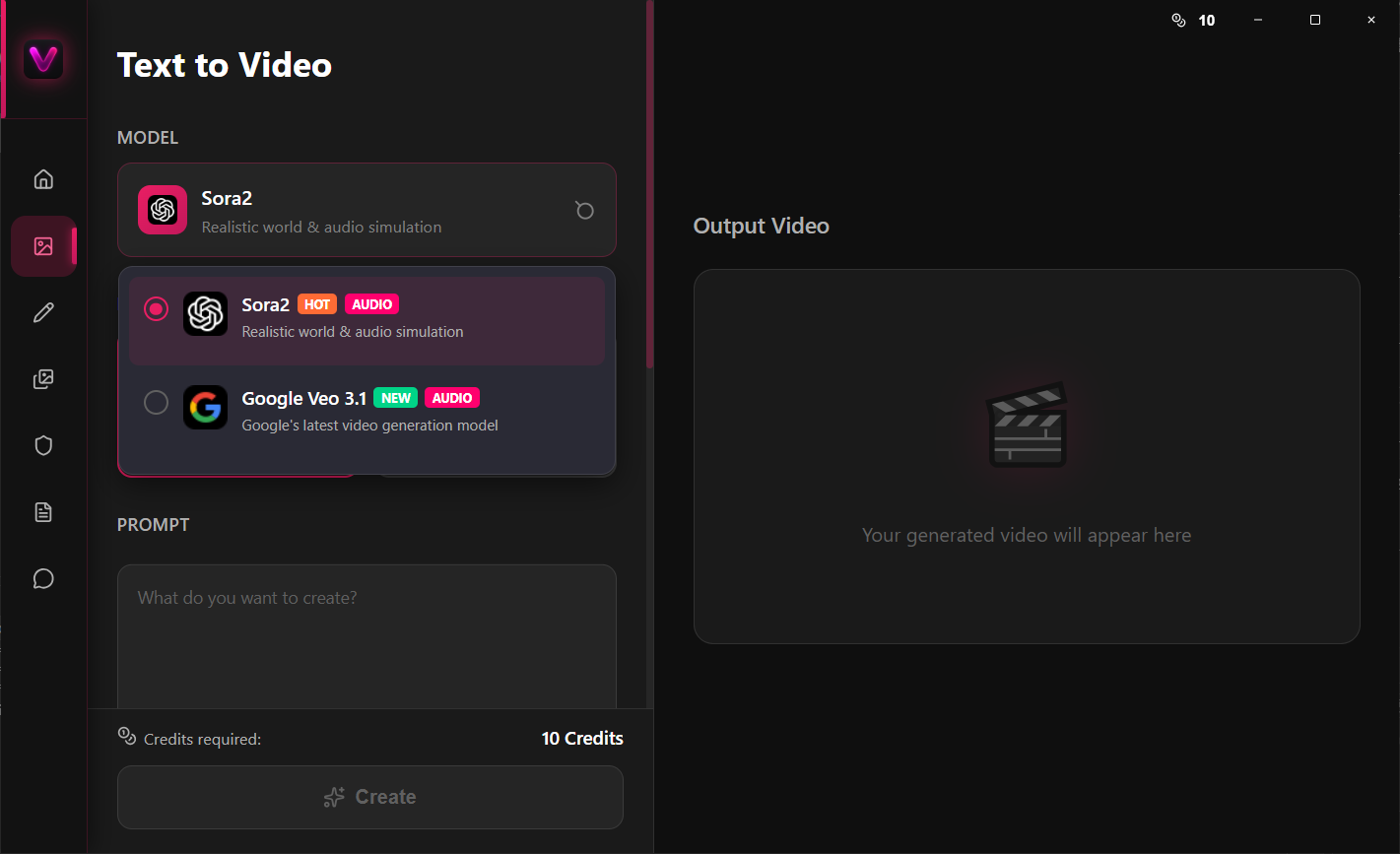
- Text-to-Video Engine: Type a detailed description of the scene you want to visualize, and the application generates a corresponding video clip from scratch.
- Image-to-Video Animation: Upload a static graphic, photograph, or concept art, and watch the software intelligently add realistic motion and depth.
- Advanced AI Models: The application leverages powerful generative frameworks, including Sora 2 and Veo 3, to achieve believable physics, lighting, and movement.
- Streamlined Windows Interface: Built specifically for the Windows platform, providing a responsive desktop experience that avoids the clunkiness of standard web-based tools.
Who is this Windows Tool For?
This software is highly beneficial for rapid prototyping. Storyboard artists can quickly generate visual references without sketching every frame, while social media managers can produce eye-catching background video loops in a fraction of the time. If you need to generate quick visual concepts without a dedicated production crew, the AI Video Generator + video creation tool offers an accessible starting point right on your PC.
Pros and Cons
Pros:
- Extremely fast turnaround from concept to rendered video.
- An intuitive user interface that requires no prior video editing or AI prompting expertise.
- Flexible input options accepting both textual prompts and existing images.
Cons:
- As an AI-driven tool, complex physical interactions or highly specific text rendering within the video may require multiple generation attempts to get perfect.
Final Verdict
The AI Video Generator + video creation tool successfully simplifies the complex world of AI-generated cinema. By packaging sophisticated models into a user-friendly Windows application, Rain Service has made rapid video prototyping accessible to everyone. If you are ready to experiment with the future of digital storytelling, you can find this application available on the official Microsoft Store.