
Text to Speech - Text Reader App
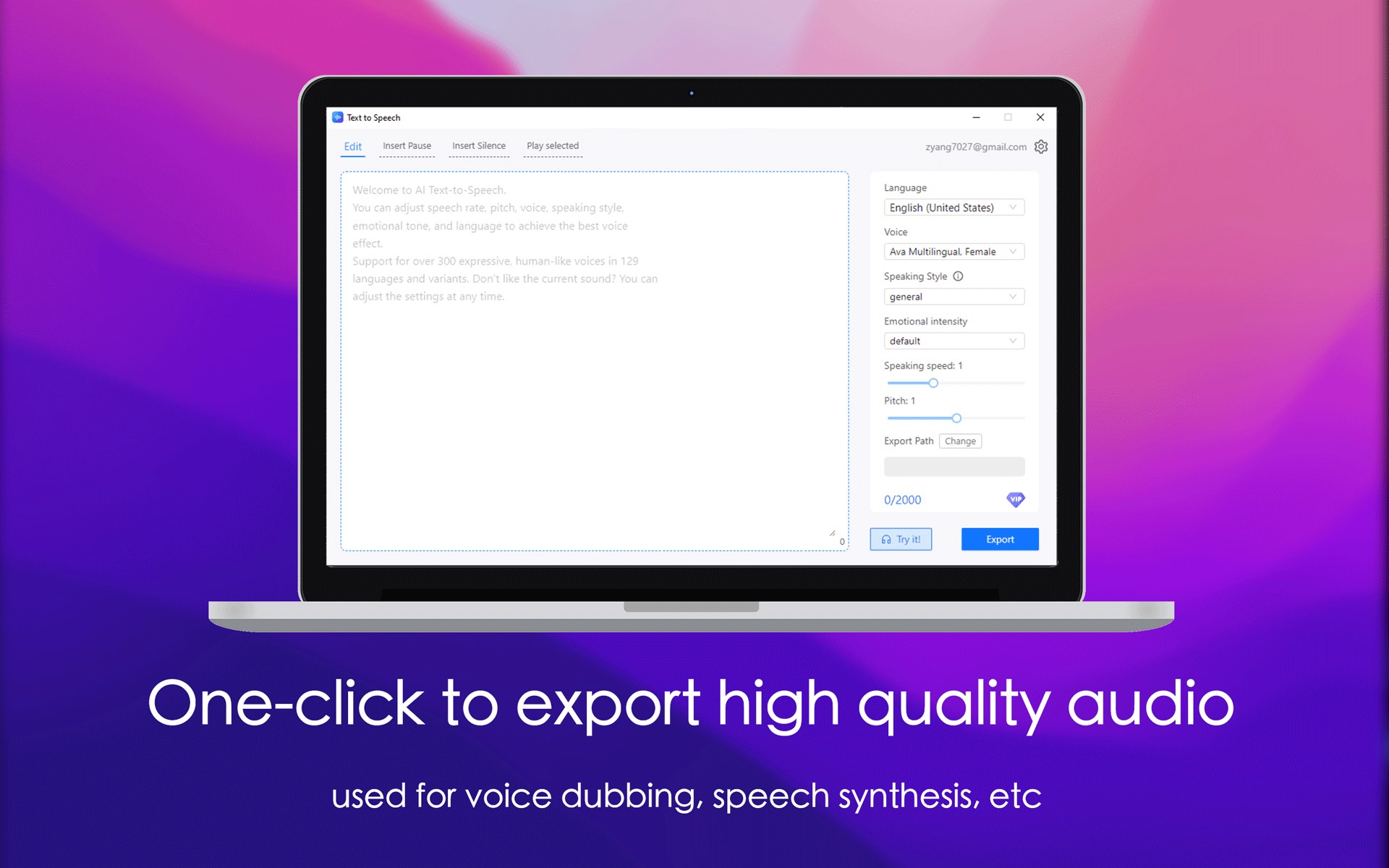
An in-depth review of Text to Speech - Text Reader, a powerful Windows application by Rain Service designed to convert written text into natural human voices.
Convert Your Written Content into Natural Human Voices Instantly
Finding a reliable utility to generate realistic voiceovers can completely transform how you consume digital text and produce audio content. The Text to Speech - Text Reader utility for Windows offers an exceptional solution, turning standard text documents into lifelike synthesized speech. Developed by Rain Service, this IT-tools application is designed specifically for users who need fluid, highly natural-sounding voice generation that mirrors the genuine intonation, pacing, and emotion of human speakers.
Key Features of the Text to Speech - Text Reader Application
Whether you are looking to proofread written drafts by listening to them or generate voice tracks for external projects, the Text to Speech - Text Reader application delivers a robust set of tools to fine-tune your audio output:
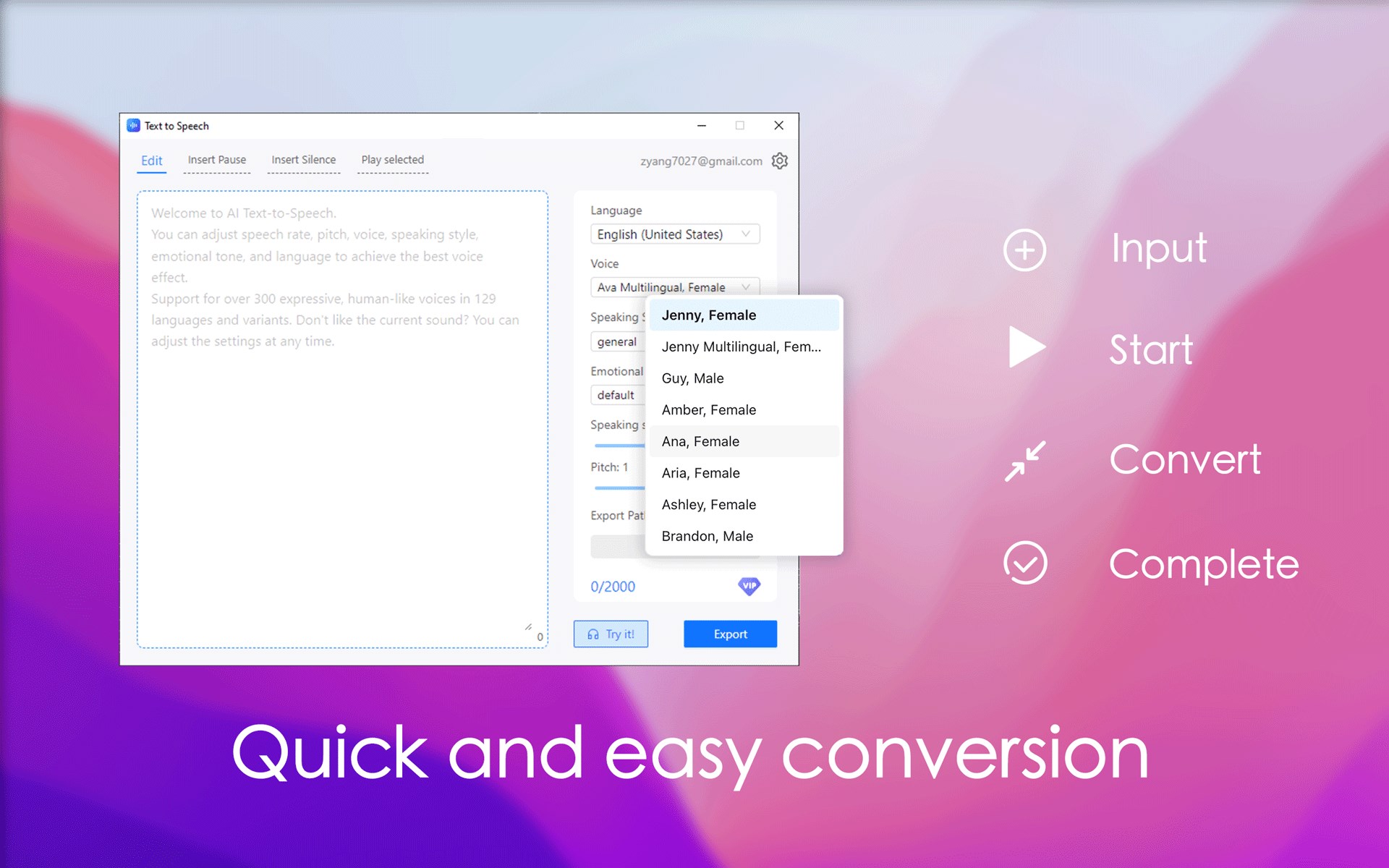
- Vast Voice Library: Select from over 300 premium, human-like voices spanning 129 languages and regional variations.
- Neural Text-to-Speech Technology: Leverage advanced neural voices that support various speaking styles, including professional newscasts, customer service tones, whispering, shouting, and specific emotional ranges such as cheerful or sad.
- Granular Audio Tuning: Easily customize the playback speed, pitch, and overall tone to match the precise requirements of your specific presentation or project.
- Effortless Audio Exporting: Once you have configured and tuned your voice settings, download the output as a high-quality audio file to use across other software platforms.
Who Is This Windows Tool For?
This software is highly recommended for professionals, content creators, and educators working within the Windows ecosystem. If you frequently need to generate voice narration without hiring voice actors, or if you simply prefer auditory learning, this application provides the necessary flexibility. While the core features of the Text to Speech - Text Reader are accessible for free, a VIP subscription model (available monthly, semi-annually, or annually) is offered for users who need to process larger volumes of text beyond the standard character limits.
Conclusion and Official Store Access
The Text to Speech - Text Reader software stands out as a highly customizable utility for high-quality audio synthesis on Windows. If you are ready to enhance your workflow with natural neural voices, you can learn more and acquire the application directly from the Official Microsoft Store.