

Akizip
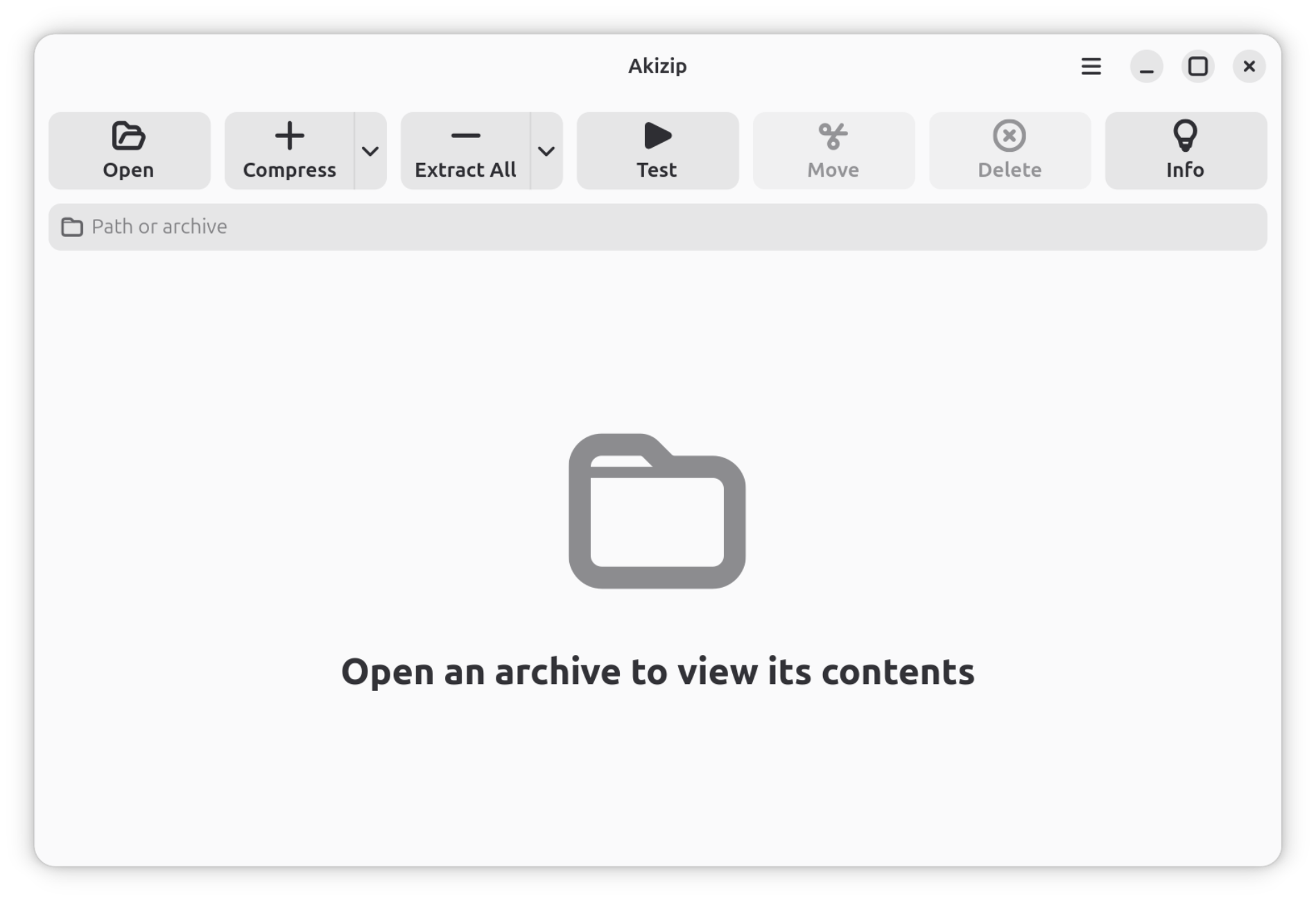
Read our comprehensive review of Akizip, a modern GTK 4-powered 7-Zip interface designed specifically for GNOME desktop users on Linux systems.
Picture this: you are working on your Linux desktop, managing a complex project, and you receive a compressed archive that needs immediate extraction. While terminal commands get the job done, a visual tool that integrates perfectly with your desktop environment makes the workflow seamless. The Akizip GNOME archive utility is designed to solve exactly this, providing a modern, native graphical interface for managing compressed files on the GNOME desktop.
What is the Akizip GNOME Archive Utility?
Developed by ckappgit, Akizip is a sleek, graphical front-end that brings the robust compression capabilities of 7-Zip directly to Linux users. Built from the ground up using the latest GTK 4 and libadwaita libraries, it aligns beautifully with contemporary GNOME design guidelines. It offers a clean, distraction-free environment for handling both daily extraction tasks and advanced archive creation.
Key Features and Capabilities
This utility is more than just a simple wrapper; it is a well-integrated tool optimized for modern Linux distributions. Its core features include:
- Versatile Format Support: Easily create and extract archives in popular formats like 7z, zip, and tar.
- Read-Only Compatibility: Open and inspect a wide variety of formats including rar, gz, bz2, xz, tar.gz, tar.bz2, and tar.xz.
- Background Job Management: Run heavy compression or extraction tasks in the background with cancellable progress tracking, ensuring your system remains responsive.
- Detailed Logs Panel: Access a dedicated logs panel to troubleshoot archive operations or verify integrity.
- Native GNOME Integration: Enjoy a cohesive visual experience thanks to the GTK 4 and libadwaita framework.
- Multilingual Support: Work comfortably in your preferred language.
Who is this Utility For?
If you are a Linux user who prefers a polished GUI over the command line for daily file management, the Akizip GNOME archive utility is tailored for you. It bridges the gap between the raw power of 7-Zip and the minimalist, user-friendly aesthetics of the GNOME desktop environment, making it an excellent addition to your system utilities.
Get Started with Akizip
Ready to upgrade your archive management workflow on Linux? You can explore the application further, view screenshots, and find installation instructions by visiting the official Flathub store page today.