

Linux Theme Store: Install Desktop Themes Natively
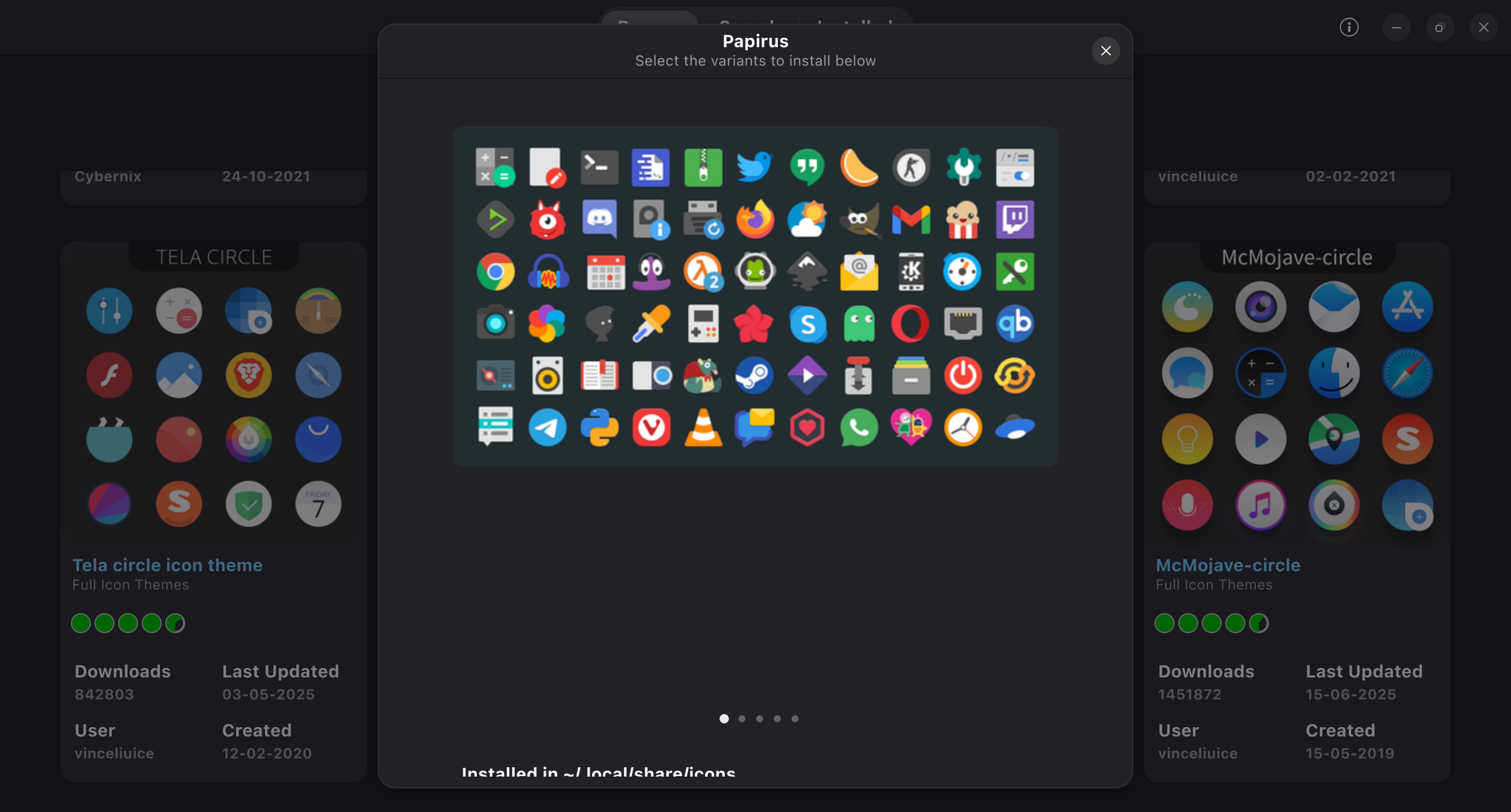
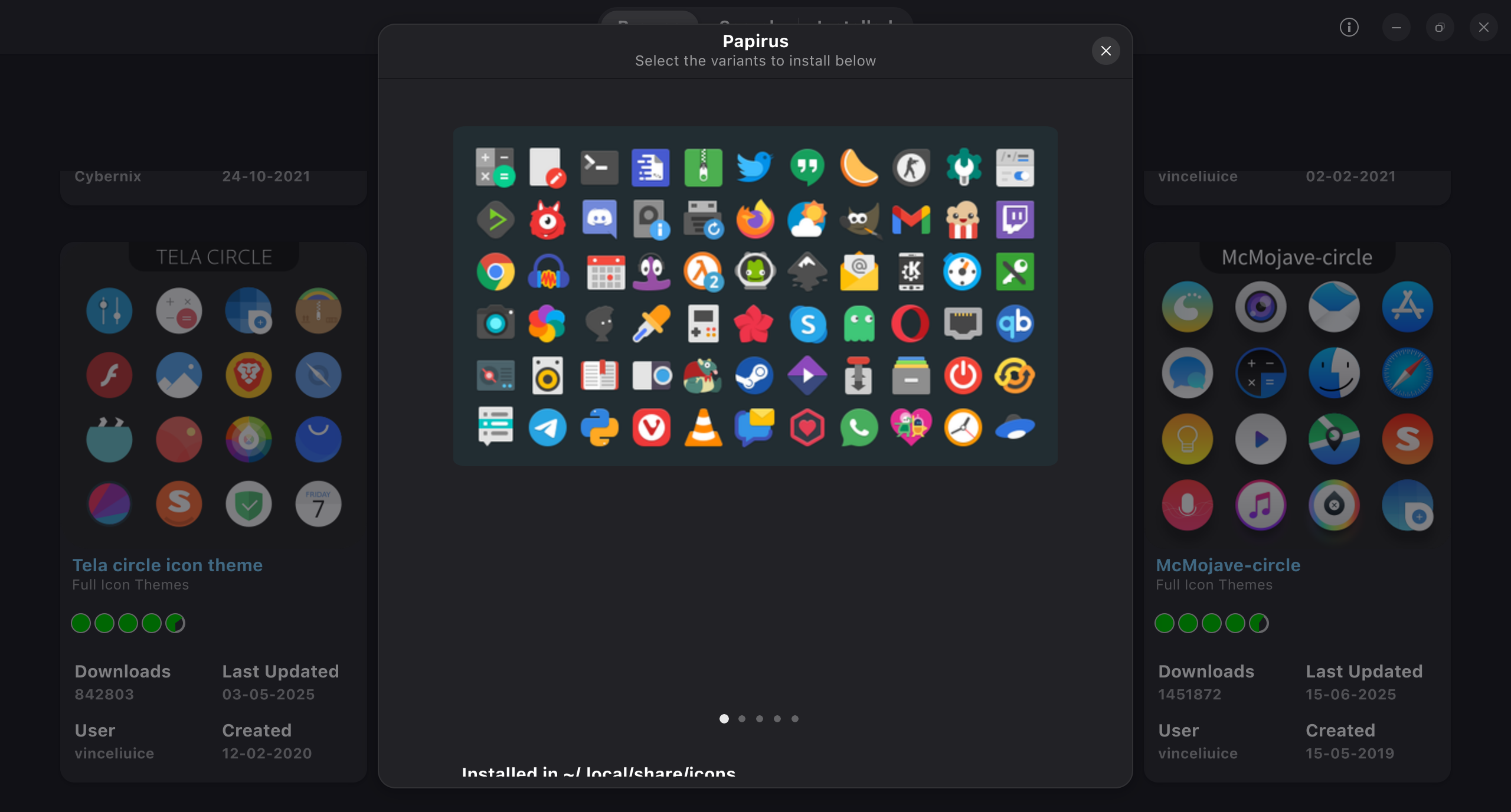
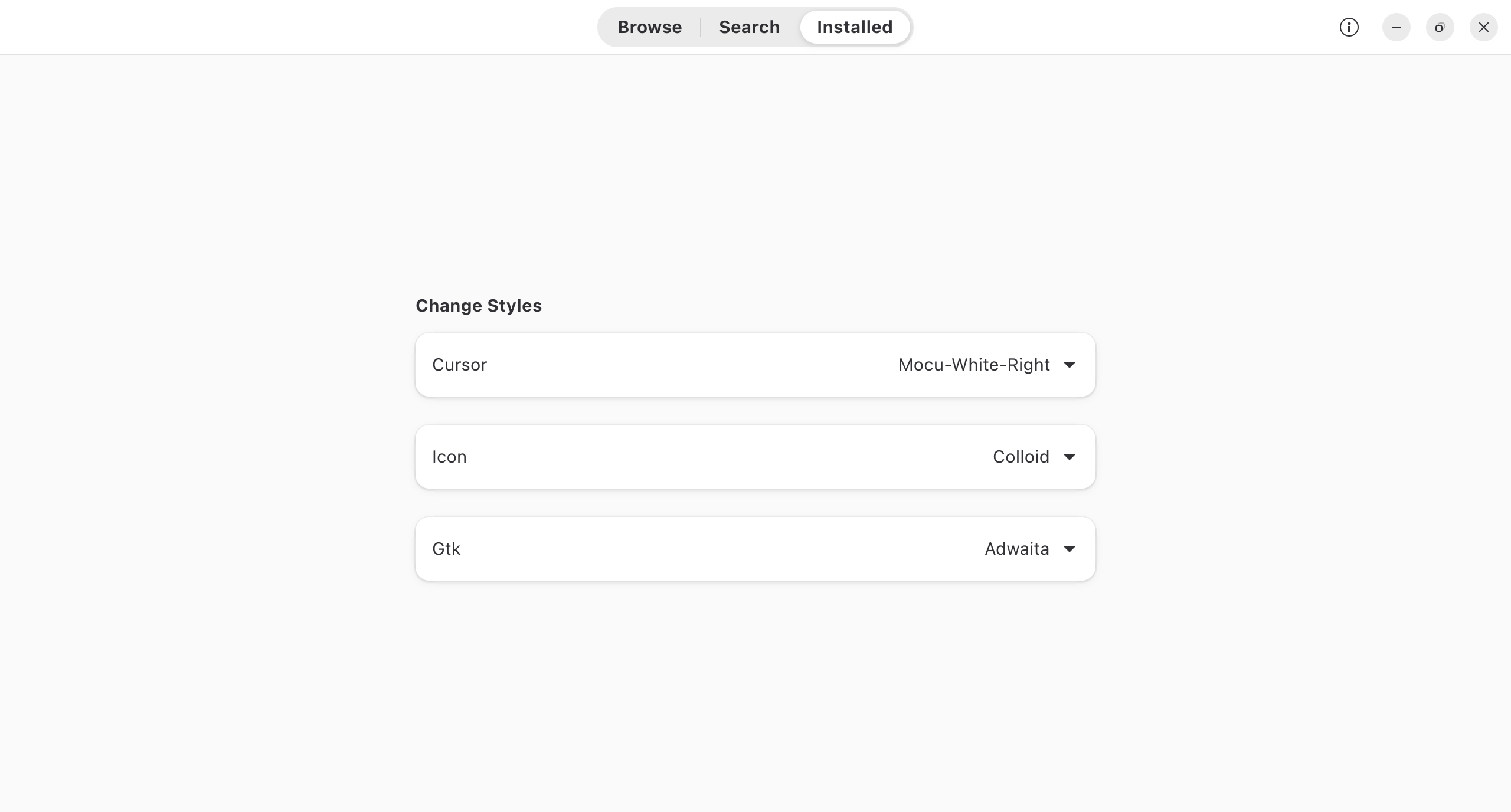
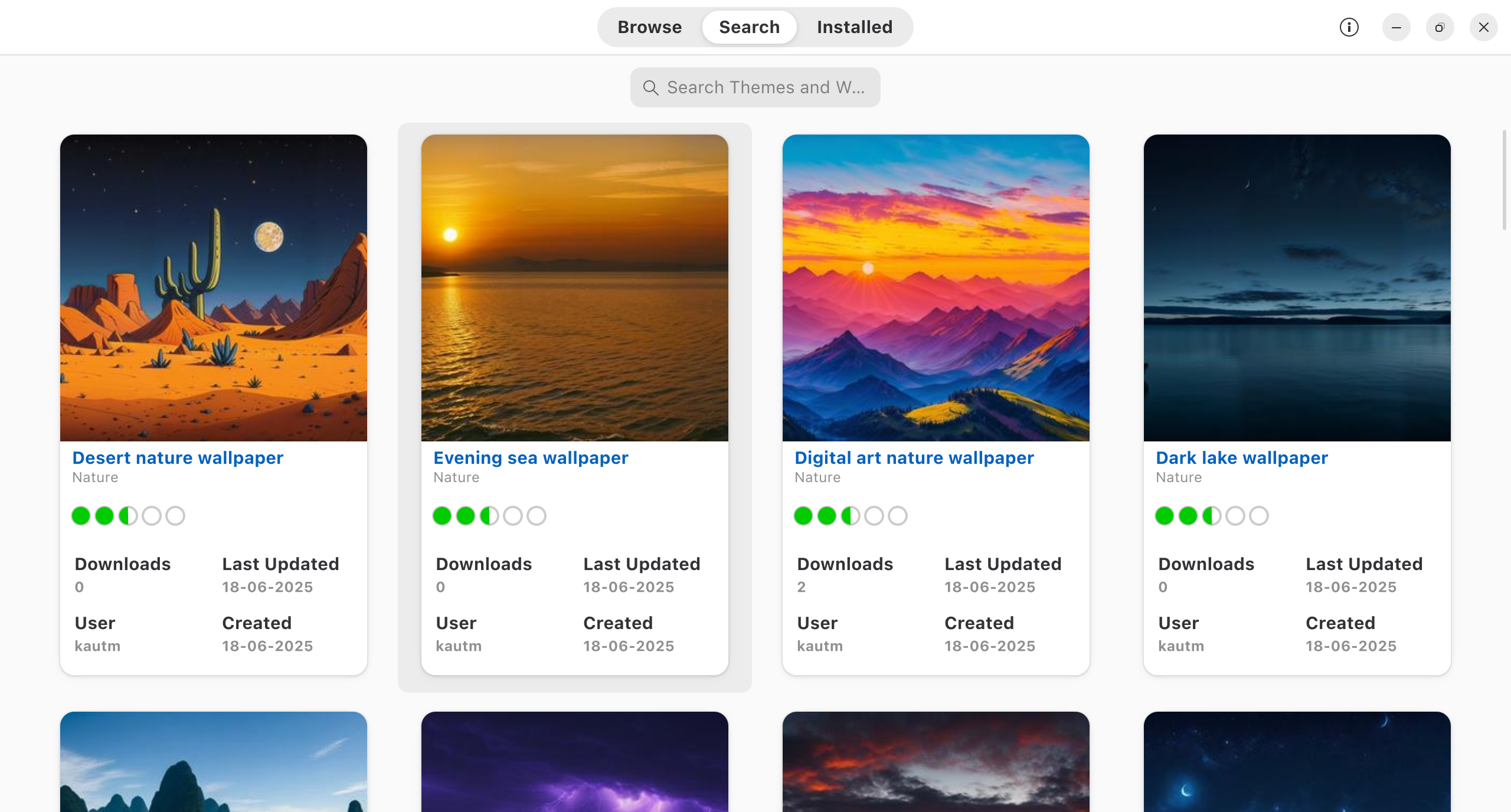
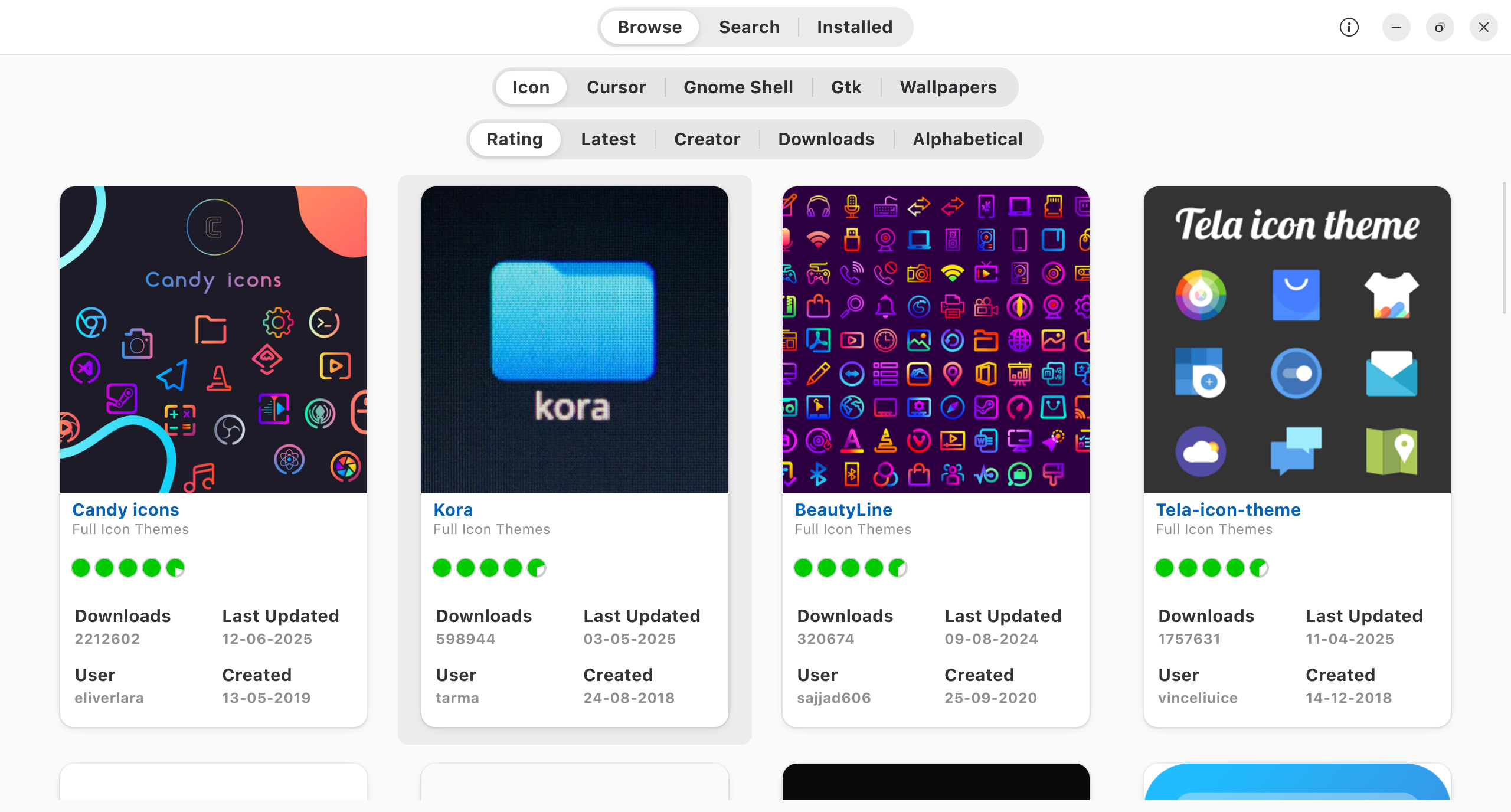
Discover how to customize your desktop with our comprehensive review of the Linux Theme Store. Browse, preview, and install native Linux themes easily.
The Simplest Way to Customize Your Linux Desktop
For many open-source enthusiasts, personalizing the desktop environment is a core part of the user experience. However, manually downloading archive files, creating hidden directories, and moving assets into system folders can be a tedious chore. The Linux Theme Store desktop themes application, developed by Debasish Patra, solves this exact problem by allowing users to browse, preview, and install desktop themes natively through a clean, unified graphical interface.
Key Features and Functionality
This utility acts as a specialized storefront for visual customization, removing the complexity from the personalization process. Here is what makes it a valuable addition to your system:
- Native Installation: Apply visual styles directly to your system configuration without manual file management or terminal commands.
- Visual Previews: Evaluate screenshots and styling details before committing to a download, ensuring the layout fits your aesthetic.
- Streamlined Browsing: Explore a curated collection of desktop designs within a single, lightweight application window.
Who Is This Application For?
If you love modifying your system's appearance but want to avoid the hassle of manual configuration, this tool is highly recommended. It bridges the gap between raw theme archives and a polished, consumer-grade app store experience. Whether you are a seasoned Linux administrator or a newcomer to the platform, the interface makes system styling accessible to everyone.
Our Editorial Verdict
The developer, Debasish Patra, has successfully addressed a common usability hurdle in the desktop customization ecosystem. By offering native installation capabilities, the software streamlines what used to be a multi-step manual process into a straightforward, visual workflow. It is an excellent utility for anyone looking to refresh their workspace aesthetics quickly and safely.
To explore this customization tool further and elevate your system interface, visit the official Flathub store page to view download options and compatibility requirements.